Options, Privacy, Sync, and Import/Export
The full XpressPurge dashboard is called Options.
Open it from:
- the browser toolbar popup;
- the in-page XpressPurge post menu;
- the browser extension details page;
chrome://extensionsor equivalent browser UI.
Sidebar Pages
Options includes:
- Rules
- Presets
- Smart
- Analytics
- Account
- Settings
- Privacy
- Sync
- Help
Header Controls
The top header shows:
- current page name;
- whether XpressPurge is on;
- active rule count;
- Show-only toggle;
- XpressPurge master On/Off switch.
The Pro plan card appears in the sidebar. Free users see View plans. Pro users see Manage license.
Settings Page
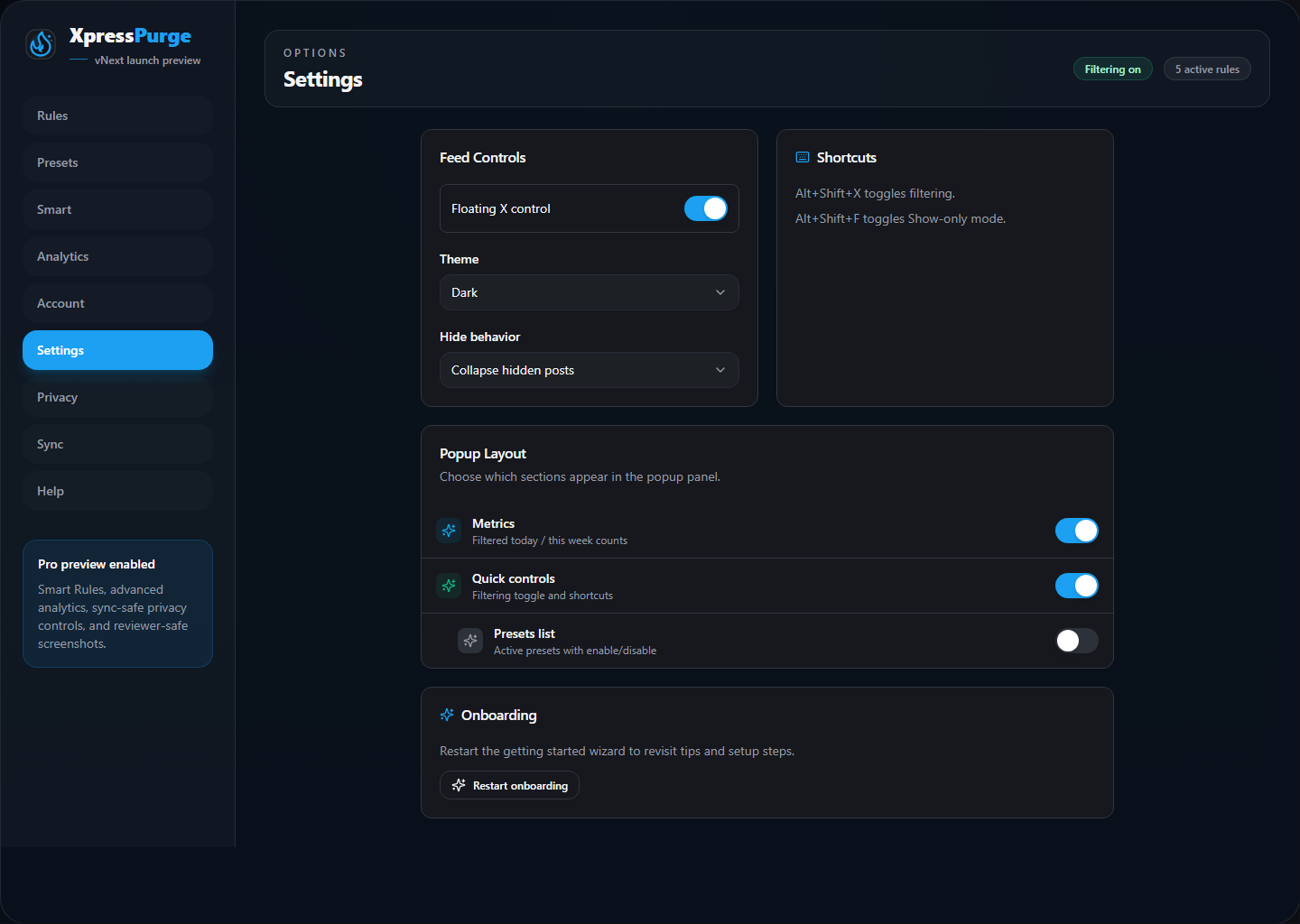
Settings tab in Options
The Settings tab includes feed controls, theme, hide behavior, shortcuts, popup layout, and onboarding restart.
Floating X Control
Stores your preference for the optional floating X control surface on X.
Theme
Choose:
- Default/Light
- Lights out/Dark
- System setting
Hide Behavior
Choose how hidden posts behave:
- Collapse hidden posts: removes matched posts from the visible feed.
- Dim hidden posts: keeps matched posts visible but visually faded.
Shortcuts
Default shortcuts:
- Alt+Shift+X: toggles filtering.
- Alt+Shift+F: toggles Show-only mode.
Popup Layout
Pro users can customize which sections appear in the toolbar popup.
Available popup sections include:
- stats;
- weekly stats;
- Show-only toggle;
- hide behavior;
- theme;
- active presets;
- quick access;
- footer links.
On Free, the popup uses the effective standard layout even if some Pro-only layout blocks exist in saved settings.
Privacy Page
Privacy tab in Options
The Privacy tab includes:
- Keep data local by default
- Allow diagnostics export
- Import/export controls
Download Export JSON
Creates a JSON backup of your local XpressPurge configuration.
Exports include settings, rules, and presets.
Exports do not include paid entitlement or billing fields. Exports also do not include Smart Rules feed history, hidden-log previews, or analytics events.
Import JSON File
Imports a previous XpressPurge export.
Import replaces the local configuration. It cannot grant Pro access.
Help Page
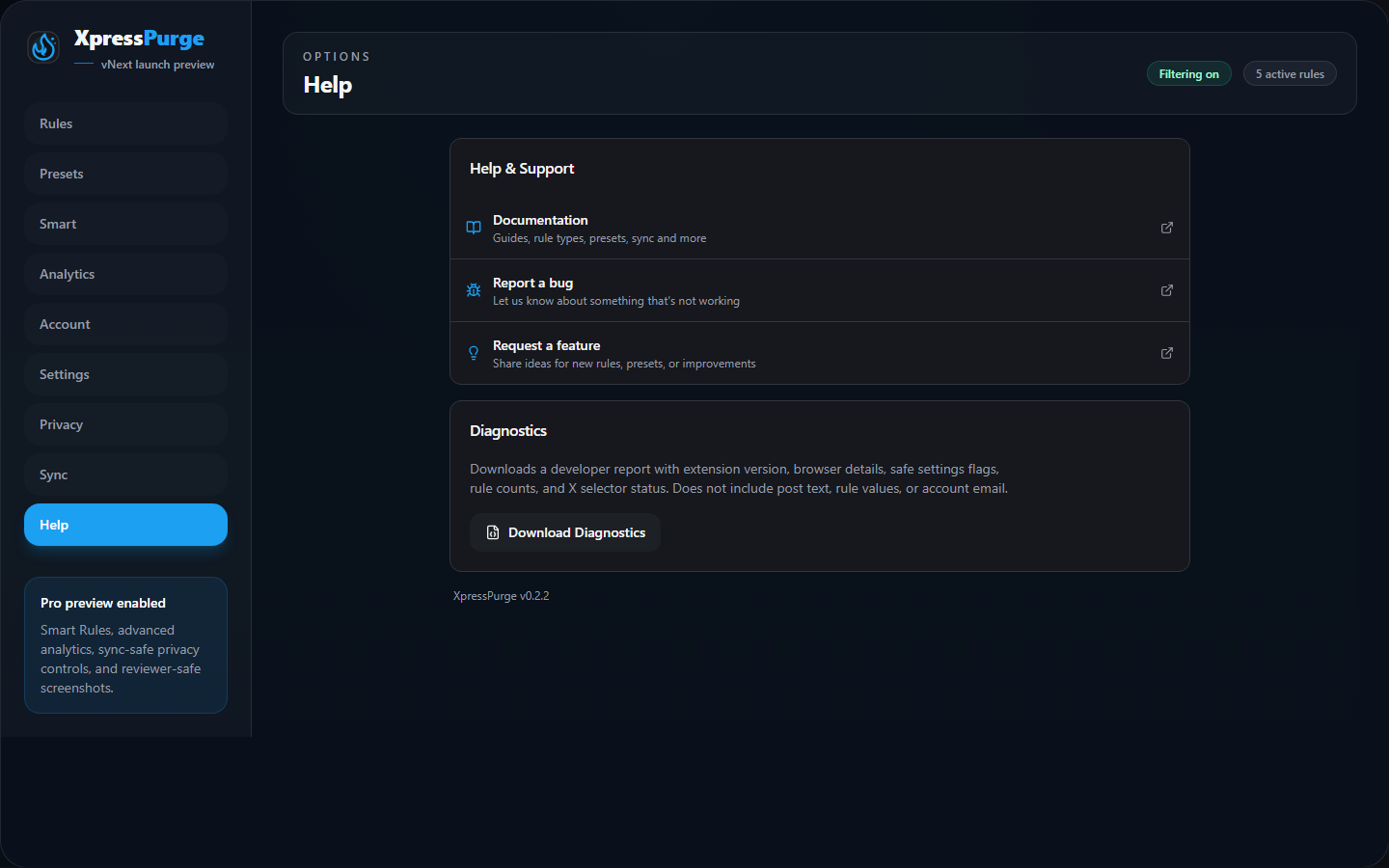
Help tab in Options
The Help tab includes:
- documentation link;
- bug report placeholder;
- feature request placeholder;
- diagnostics download.
Download Diagnostics
Diagnostics are optional and can be disabled in Privacy.
Diagnostics currently include:
- extension version;
- browser details;
- storage counts such as rules, presets, analytics days, and hidden-log entries;
- current settings values;
- rule type and action counts;
- entitlement summary;
- sync status summary;
- X tab availability and content-script selector status.
Diagnostics do not include:
- post text;
- rule values;
- account email.
Sync Page
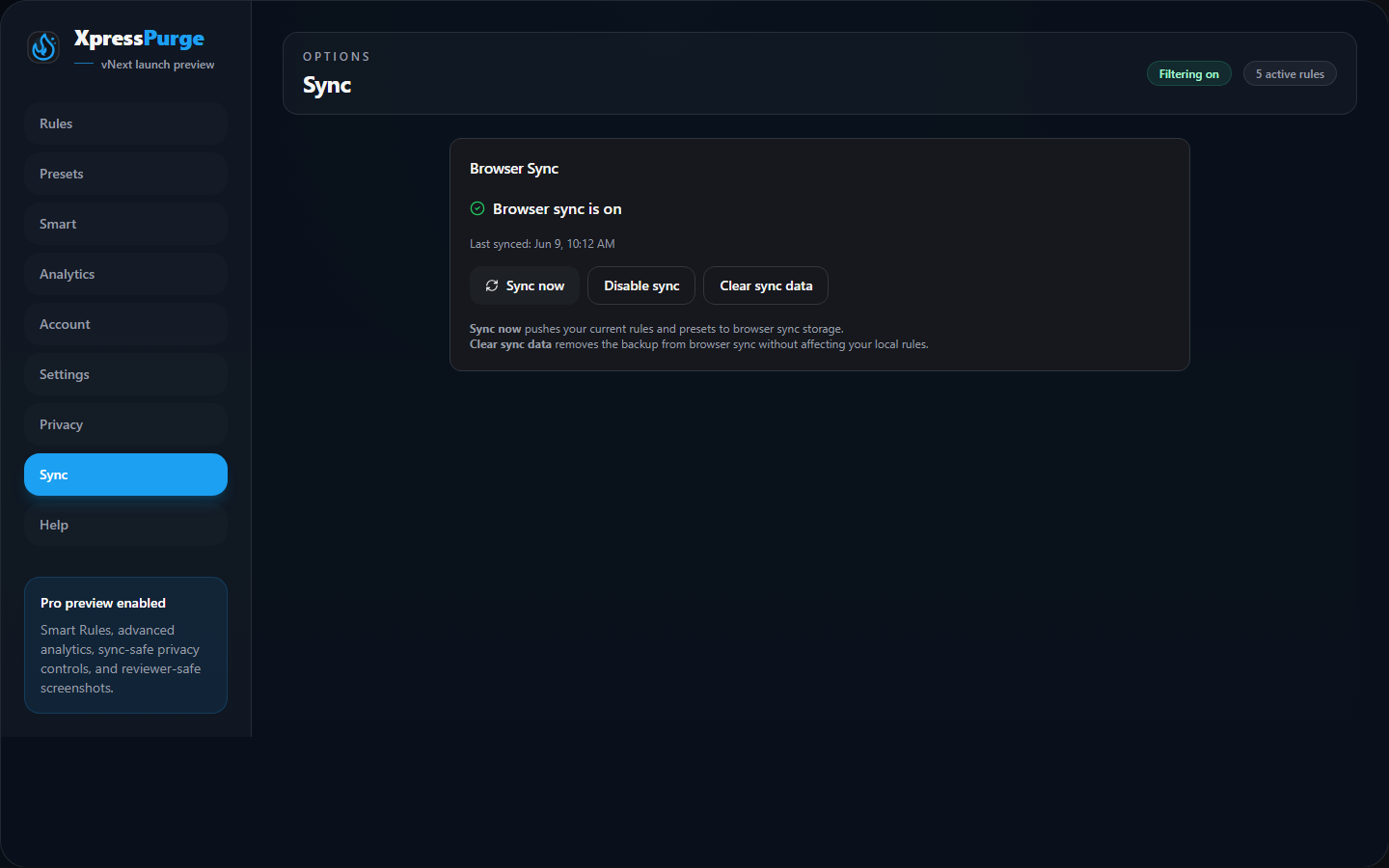
Sync tab in Options
Browser Sync is a Pro feature.
When enabled, XpressPurge uses the browser's built-in sync storage to sync:
- rules;
- presets;
- active preset IDs;
- Filtering state;
- hide behavior;
- Show-only mode;
- update timestamp.
Browser Sync does not require an XpressPurge account. It uses your browser account, such as Google or Firefox, depending on the browser.
Browser Sync does not include:
- Smart Rules feed history;
- hidden-log previews;
- analytics events or aggregates.
Smart Tab
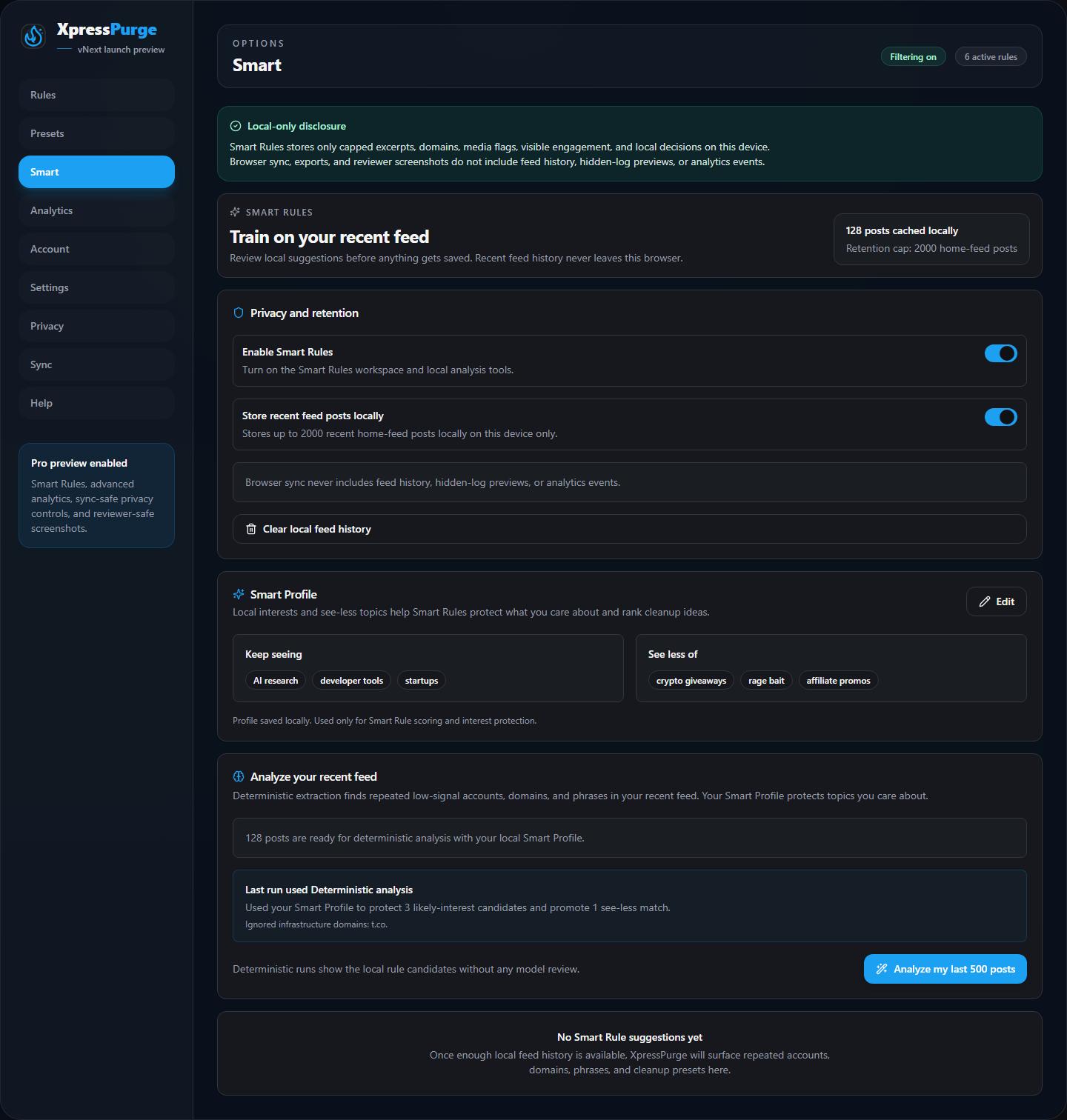
The Smart tab is a Pro workspace for reviewed Smart Rule suggestions.
It includes:
- the Smart Rules on/off toggle;
- explicit local feed-history consent;
- feed-history retention and clear controls;
- Analyze my last 500 posts;
- reviewed suggestion cards.
Smart Rules feed history is local-only and clearable.
Sync Now
Pushes your current synced configuration to browser sync storage.
Disable Sync
Stops using browser sync. Your local rules remain in this browser.
Clear Sync Data
Removes the backup from browser sync storage without deleting your local rules.