Account, Pro, and Billing
XpressPurge can be used for free without an account. Paid Pro features require checkout, account claim, and extension activation.
Plans
XpressPurge supports:
- Free
- Pro Monthly
- Pro Yearly
- Lifetime
Current launch pricing shown in the extension copy:
- $6.99/month
- $39.99/year
- $49.99 lifetime
Always rely on the price shown at checkout as the final price. Taxes and currency may vary by location.
Free Plan
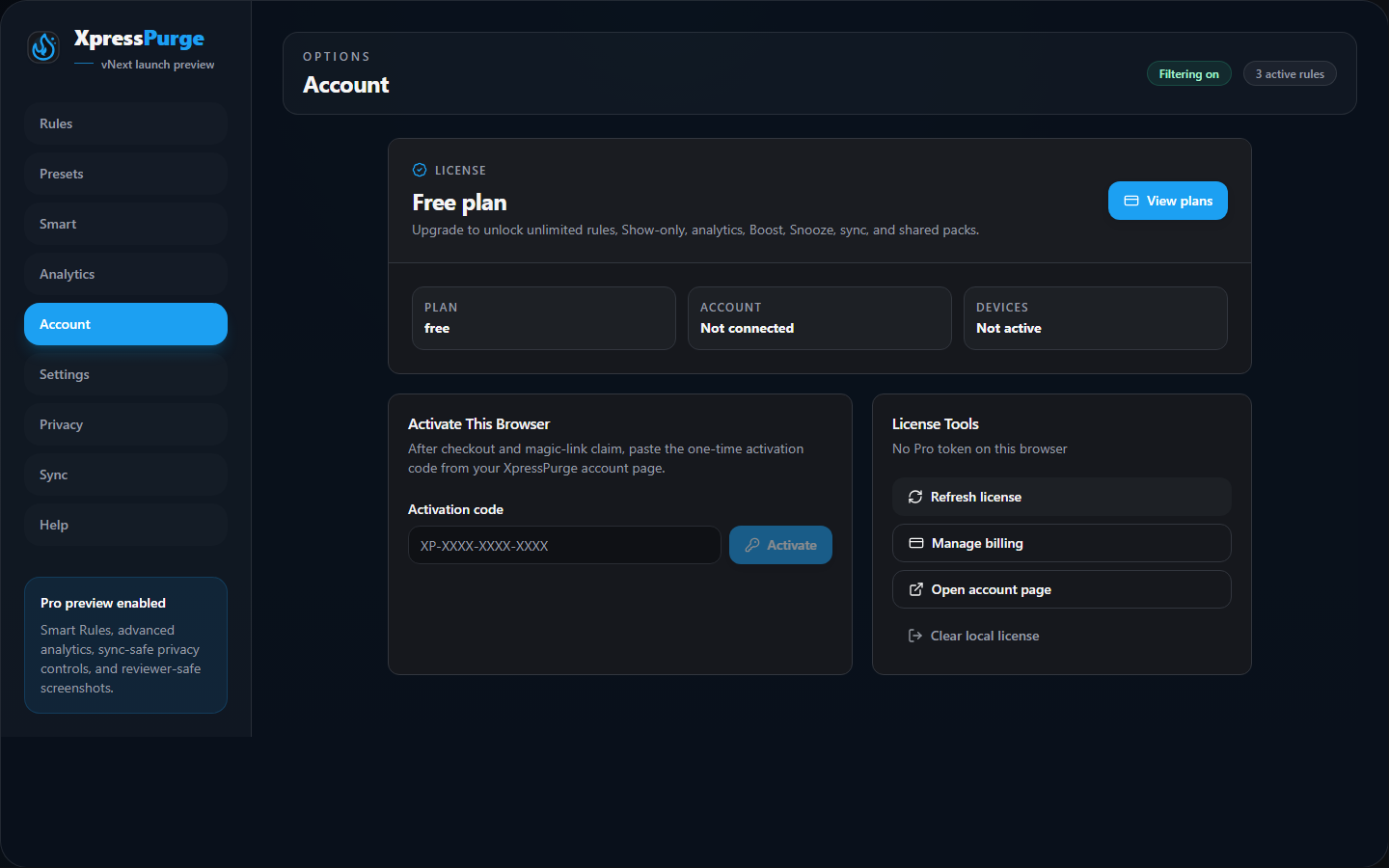
Free plan account page (vnext)
Free includes:
- core Hide rules;
- limited custom rules;
- limited custom presets;
- limited values per rule;
- local import/export;
- local-first filtering.
Pro Plan
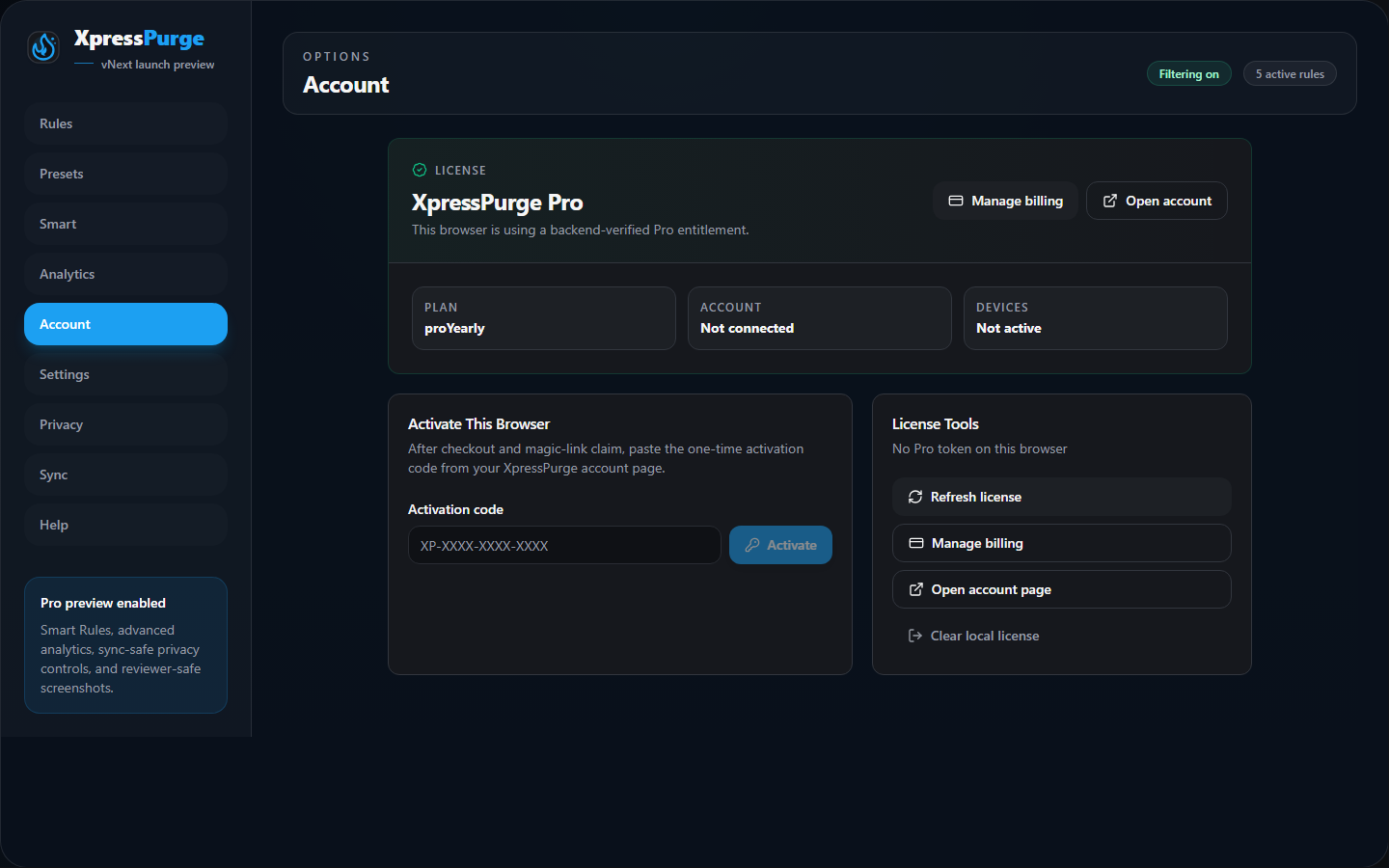
Pro plan account page (vnext)
Pro unlocks:
- unlimited rules;
- unlimited presets;
- unlimited values per rule;
- Boost;
- Snooze;
- Show-only;
- Smart Rules;
- analytics dashboard;
- browser sync;
- popup customization;
- backend-verified license activation on this browser.
How Upgrade Works
The extension opens the XpressPurge website pricing page.
The checkout flow is:
- Choose a plan on the website.
- Complete checkout through Creem.
- Return to the XpressPurge website.
- Send a magic link to the checkout email.
- Open the magic link and claim the purchase.
- Generate a one-time extension activation code.
- Paste the code into Options > Account > Activate This Browser.
Payment Processor
Checkout and payment are handled by Creem as merchant of record.
Creem may handle:
- payment processing;
- tax/VAT calculation;
- invoices and receipts;
- subscription status;
- refunds and disputes;
- billing portal.
XpressPurge does not store full card details.
Activate This Browser
After checkout and account claim:
- Open Options > Account.
- Paste the one-time activation code.
- Click Activate.
If activation succeeds, the extension stores a local license token and refresh token for this browser.
Refresh License
Use Refresh license if:
- your plan recently changed;
- the extension still shows Free after activation;
- your token expired;
- support asks you to refresh.
Device Limits
The extension can display your current connected account email and any device usage information returned by the licensing backend.
If you hit a device limit, use the XpressPurge account or billing flow to remove an older device before activating a new one.
Manage Billing
Paid users can open billing tools from Options > Account.
Depending on the current website and Creem portal setup, billing management may include:
- subscription status;
- invoices;
- payment method;
- cancellation;
- account page;
- device management.
Clear Local License
Use Clear local license only if you want to remove the license state from this browser.
This does not cancel your subscription. It only clears local extension license data.